
How to Remove Duplicate Words and Lines from Lists, Tags & Documents
Master list and text deduplication. Learn how to clean repeated words from paragraphs, remove duplicate keyword tags, purge duplicate lines from spreadsheets, and sort alphabetically.
Whether you are managing an SEO keyword research spreadsheet, cleaning an exported mailing list of email addresses, or proofreading an academic essay for accidental word stutters (such as typing "the the" across line breaks), duplicate clutter is one of the most frustrating data cleanup issues.
To remove duplicate words or lines efficiently: use Remove Duplicate Words for comma-separated SEO keyword tags and in-line repeated text, and use Remove Duplicate Lines for spreadsheet columns, customer email lists, and URL sitemaps. Always enable case-insensitivity and whitespace trimming to catch invisible trailing spaces and capitalization mismatches.
Manual deletion is not only painfully slow—it is prone to human error. Here is a comprehensive guide to understanding when to deduplicate words versus lines, how to handle case sensitivity and punctuation, and how to automate the entire process with free online tools.
Duplicate Words vs. Duplicate Lines: Which Tool Do You Need?
| Cleanup Challenge | Recommended Tool | Delimiter | Practical Example |
|---|---|---|---|
| Cleaning Tag Clouds & SEO Keywords | Remove Duplicate Words | Commas (,) | seo, marketing, seo, growth → seo, marketing, growth |
| Fixing Accidental Word Repetition in Prose | Remove Duplicate Words | Spaces | Purging repeated filler words in speeches and drafts |
| Cleaning Email or Subscriber Lists | Remove Duplicate Lines | Line Breaks (\n) | Removing duplicate contacts or customer entries |
| Normalizing Database URLs or Slugs | Remove Duplicate Lines | Line Breaks (\n) | Consolidating sitemaps, redirect lists, or log files |
Common Pitfalls in Text Deduplication
1. Capitalization Inconsistencies (Case Sensitivity)
If your list contains both Marketing and marketing, a strictly case-sensitive tool will treat them as two distinct entries and preserve both. In 90% of business and marketing workflows, you want case-insensitive deduplication enabled so that variations in letter case are recognized as duplicates and normalized.
2. Punctuation Clinging to Words
When deduplicating running sentences, punctuation marks like commas, semicolons, and periods naturally stick to the ends of words. Without smart punctuation stripping, a naive script will fail to see that apple, and apple are the exact same word. Our Remove Duplicate Words tool includes an intelligent punctuation stripper that normalizes words before comparing.
3. Inadvertently Scrambling Chronological Order
Many spreadsheet functions (like Excel's Sort & Remove Duplicates) automatically force alphabetical sorting, destroying the original sequential narrative or priority ranking of your items. Look for tools that allow you to toggle between Keep Original Order and Sort A → Z.
3 Practical Workflows for Instant Deduplication
Workflow A: Deduplicating YouTube, Blog, or E-Commerce Tags
- Copy your comma-separated tag list.
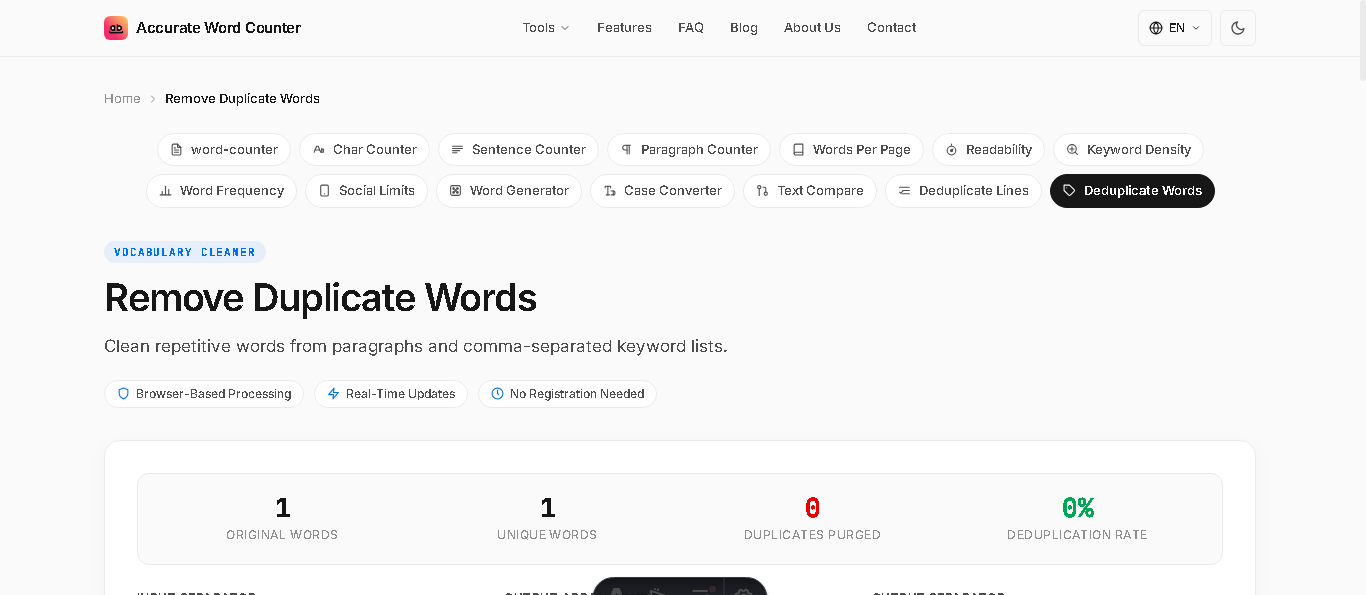
- Open the Remove Duplicate Words tool and set Input Separator to Commas (Tags / CSV).
- Select Join with Commas under Output Separator.
- Click Copy Result to paste your clean, deduplicated tags directly into your CMS or video editor.
Workflow B: Deduplicating a 5,000-Line Email or URL Spreadsheet Column
- Copy the entire column from Google Sheets or Microsoft Excel.
- Open the Remove Duplicate Lines tool and paste.
- Enable Trim Whitespace and Remove Empty Lines to ensure invisible trailing spaces do not prevent matching.
- Check the live counter to see the exact deduplication rate and number of duplicate lines purged.
- Click Download .txt or copy back to your spreadsheet.
Frequently Asked Questions
What is the difference between removing duplicate words and duplicate lines?
Removing duplicate words operates on individual words separated by spaces or commas (ideal for keyword tags and cleaning prose). Removing duplicate lines operates on entire line breaks (ideal for spreadsheets, subscriber emails, and URL lists).
How do I deduplicate a list while preserving the original order?
In our free Remove Duplicate Lines tool, select the "Keep Original Order" option. The first occurrence of each unique entry will be kept in its exact position while subsequent duplicates are purged.
Does case sensitivity matter when removing duplicates?
Yes. If case-sensitivity is on, "Apple" and "apple" are treated as different items. Enabling case-insensitive deduplication treats them as duplicates and merges them automatically.
Is my data secure when deduplicating large customer or email lists?
Yes. All deduplication processes execute 100% client-side in your web browser using JavaScript. No emails, lists, or spreadsheets are transmitted to remote servers or stored in any database.